

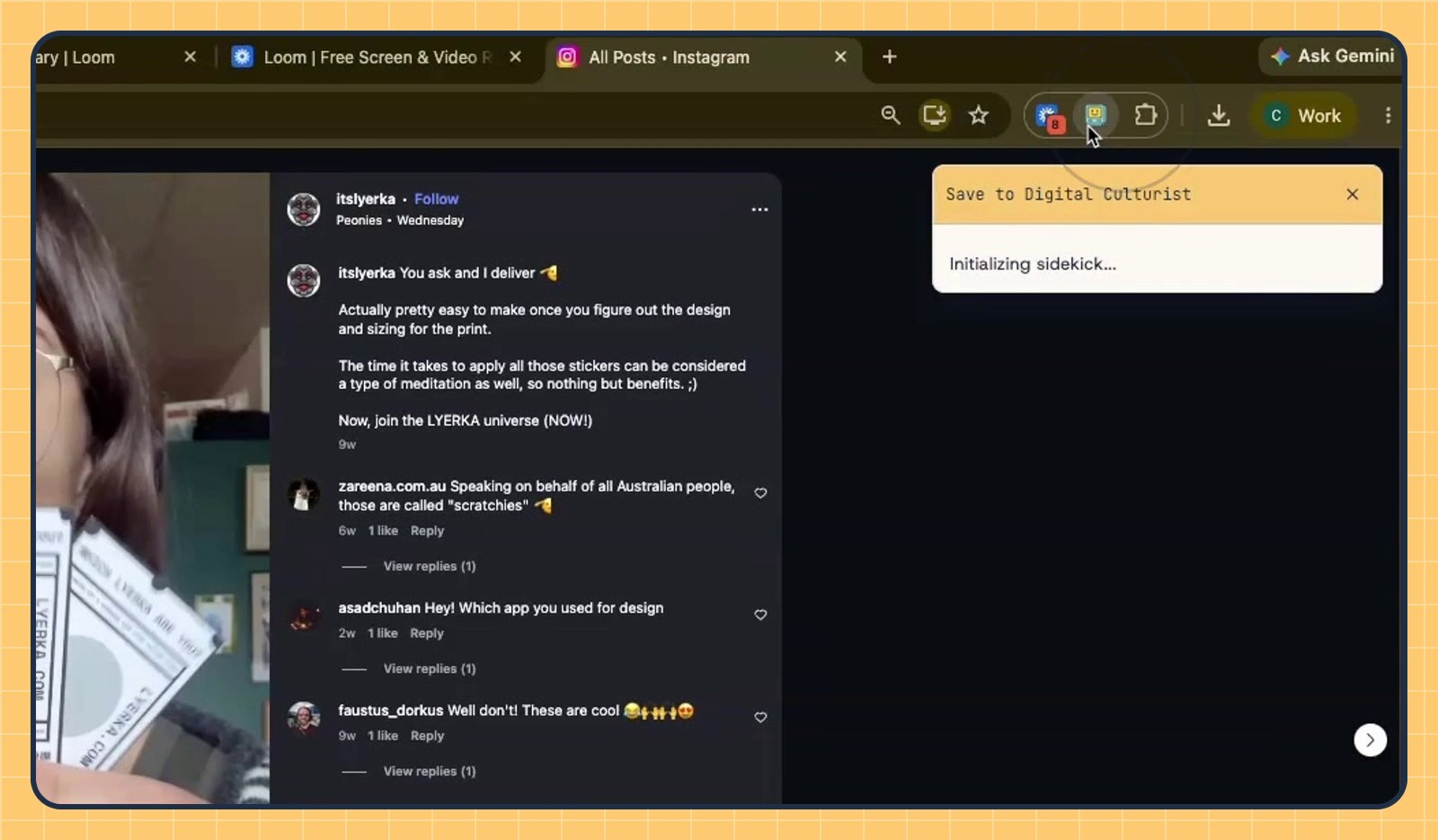
Quick answer: To save a post with Digital Culturist, install the Chrome extension, pin it to your toolbar, open the post, click the Digital Culturist button, sign in, choose a folder (optional) and click Create save. Your first save takes about two minutes. Every save after that takes one click.
What is Digital Culturist?
Digital Culturist is a tool for strategists that turns social media saves into cultural insights. It is available as a Chrome extension and a mobile app. Every post you save goes into your signal library and is analyzed with the Digital Culturist 4C Framework.
| Product | Digital Culturist |
| Made for | Strategists, marketers and creatives who research culture online |
| Formats | Chrome extension and mobile app |
| Saves from | Instagram, TikTok, LinkedIn, Substack and articles you open in Chrome |
| What happens to a save | It is stored in your signal library and analyzed with the 4C Framework |
| Account | Required. You can sign up from the extension. |
| Time to first save | About 2 minutes |
This guide shows every step of saving with the Chrome extension, using an Instagram bookmark as the example.
What do you need before you start?
Google Chrome on a laptop or desktop.
A Digital Culturist account. No account yet? You can sign up from the extension in step 5.
A post you want to keep. Your latest Instagram bookmark works well, but any post or article you can open in Chrome will do.
How do you save a post with Digital Culturist? 7 steps
Step 1: Install the Digital Culturist Chrome extension
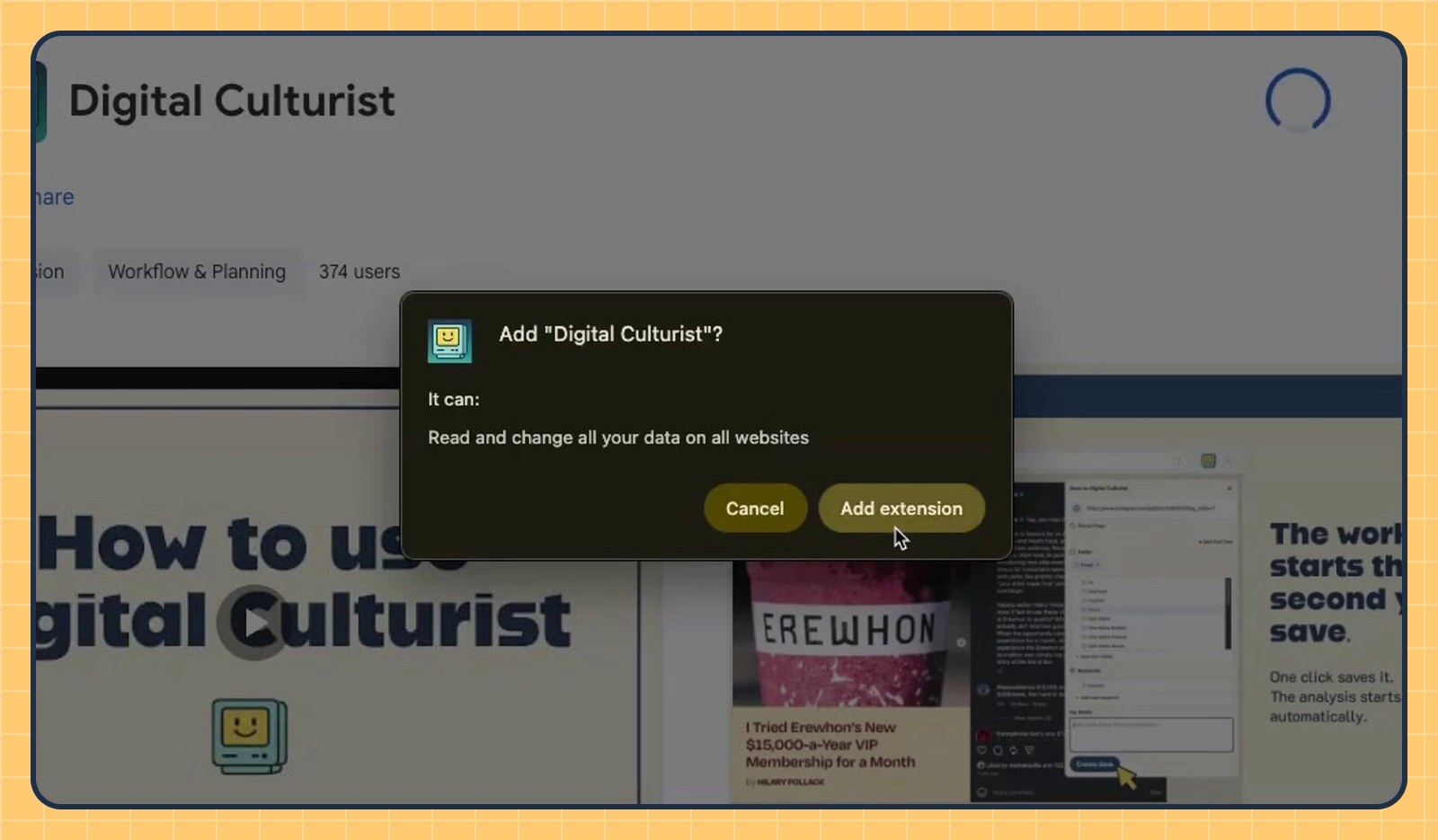
Find Digital Culturist in the Chrome Web Store and click Add to Chrome. When Chrome asks for permission, click Add extension. A note in the top-right corner confirms it's been added.
Step 2: Pin the extension to your Chrome toolbar
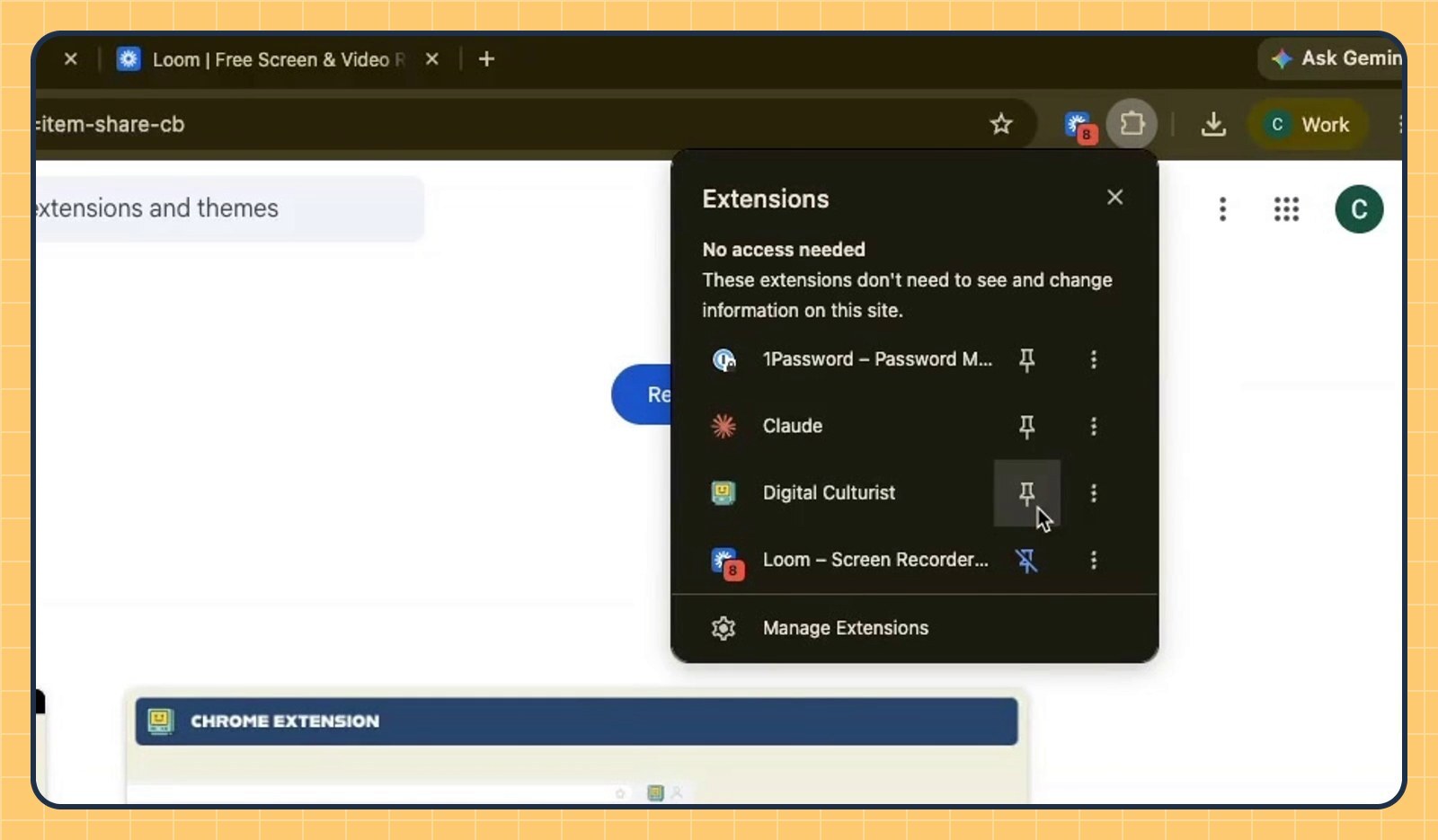
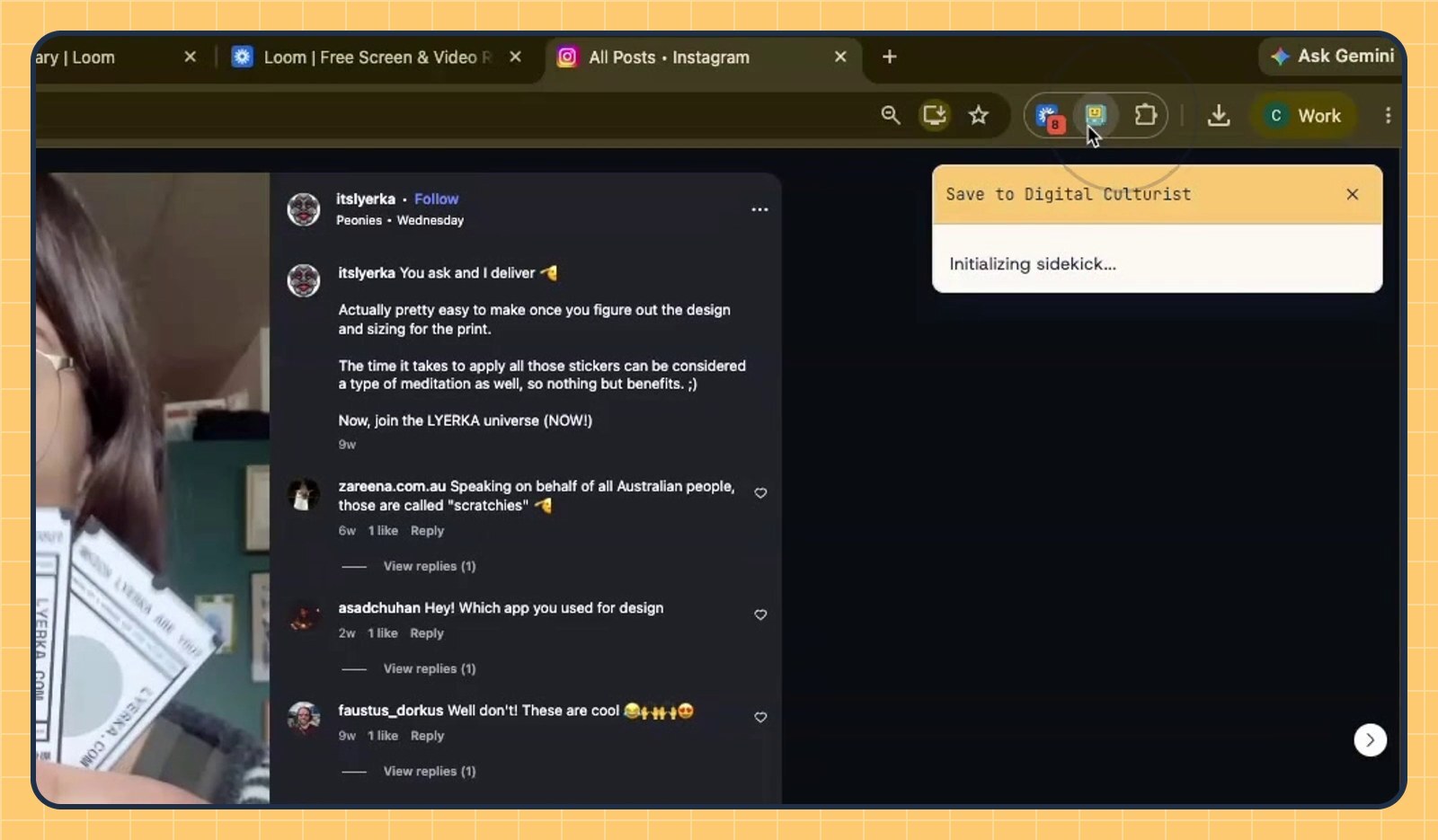
Click the puzzle-piece icon to the right of Chrome's address bar to open your extensions. Find Digital Culturist and click the pin next to it. The smiling computer now sits in your toolbar, one click away.
Step 3: Open the post you want to save
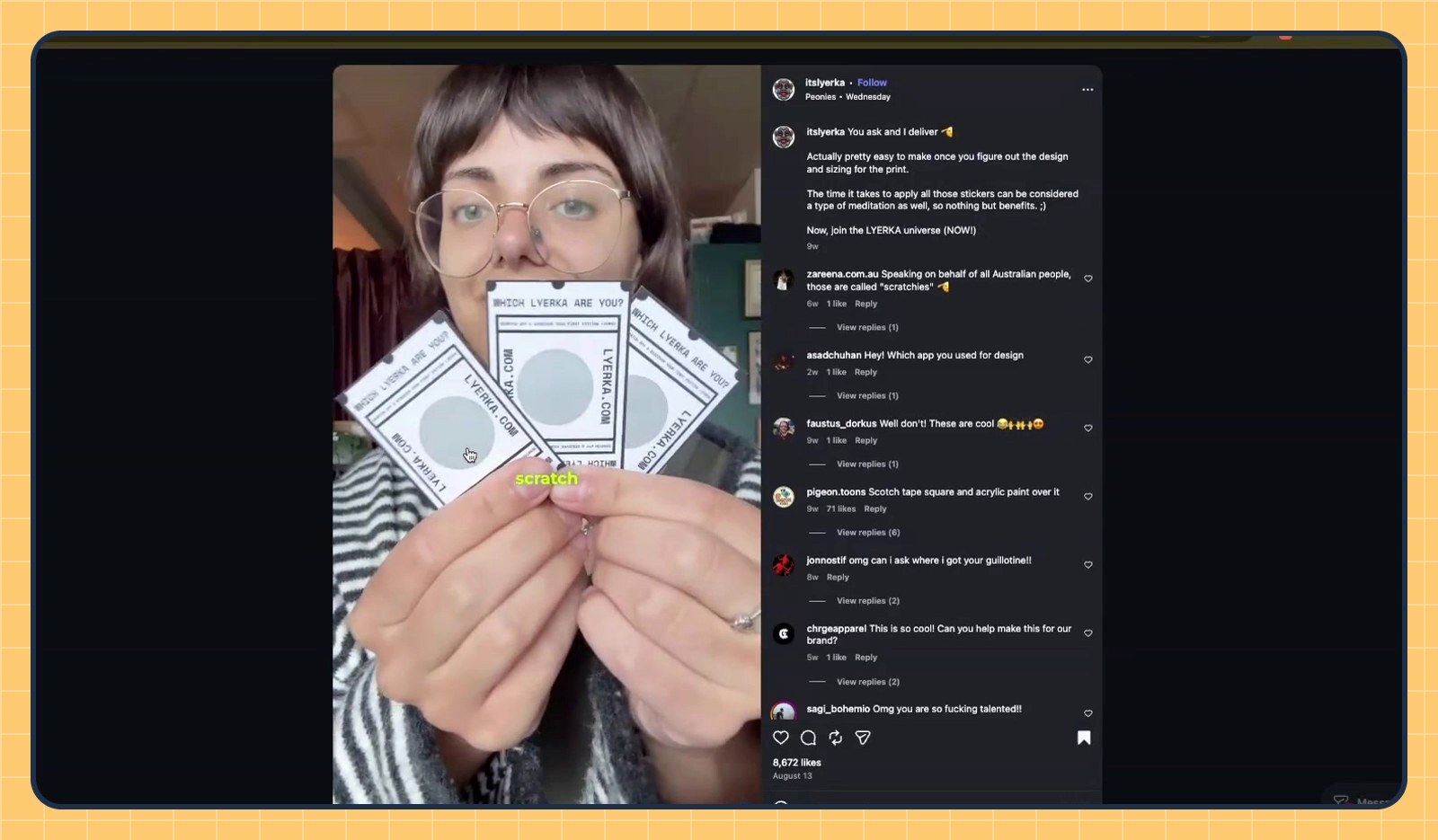
Go to Instagram and open your latest bookmarked post. The same steps work on TikTok, LinkedIn, Substack and any article you open in Chrome.
Step 4: Click the Digital Culturist button
Click the mascot in your toolbar. The Save to Digital Culturist panel opens on the right side of the page.
Step 5: Sign in to your Digital Culturist account
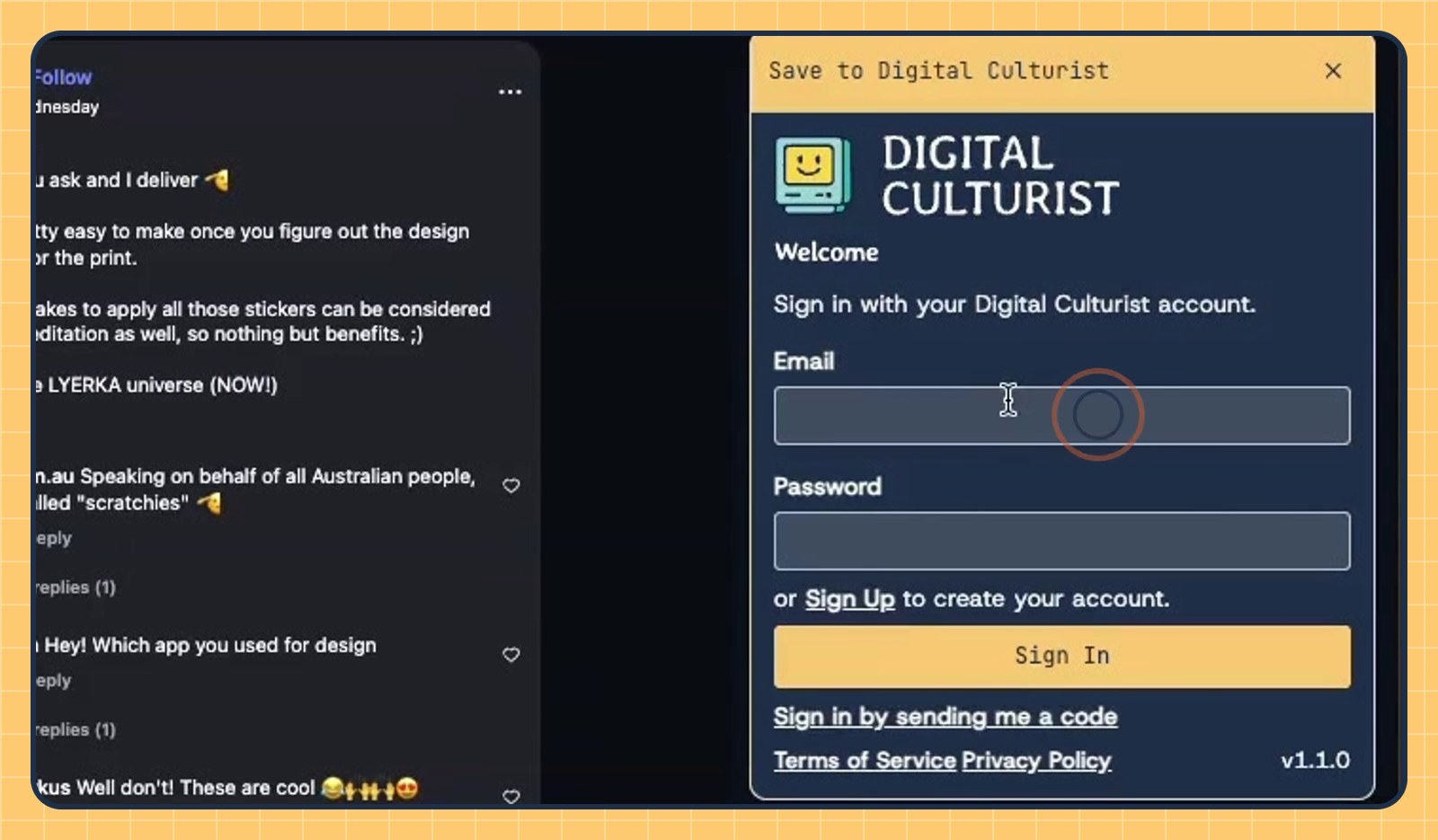
The first time you save, enter the email and password for your Digital Culturist account and click Sign In. You can also choose Sign in by sending me a code, or click Sign Up to create an account. After that, the extension remembers you.
Step 6: Add the save to a folder (optional)
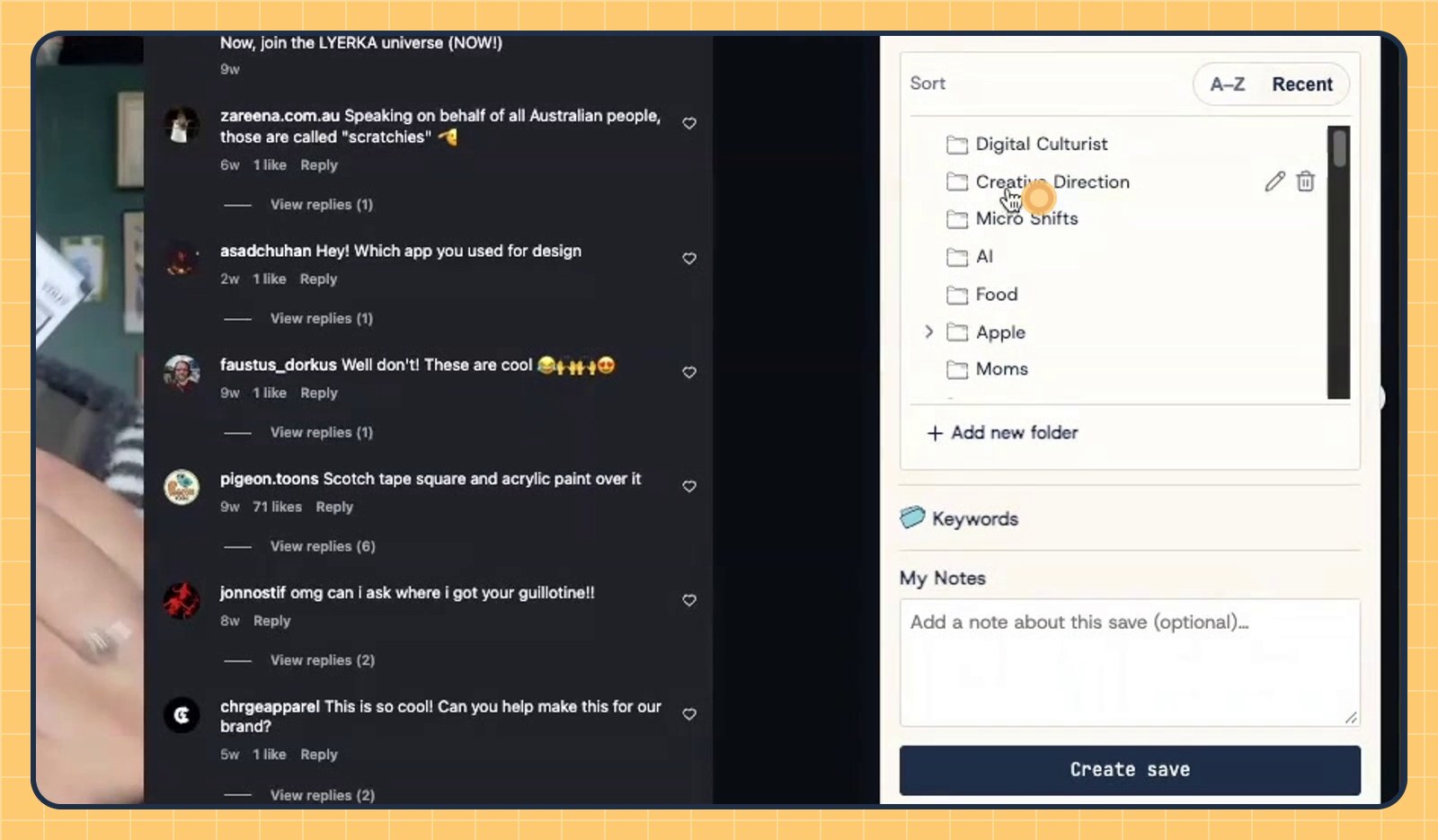
The panel already shows the post's link. Click Folder to open your folder list, then pick one, like Creative Direction. Need a new home for it? Click + Add new folder. Folders are optional, so skip this step if you'd rather sort later. You can also add Keywords or a note under My Notes.
Step 7: Click Create save
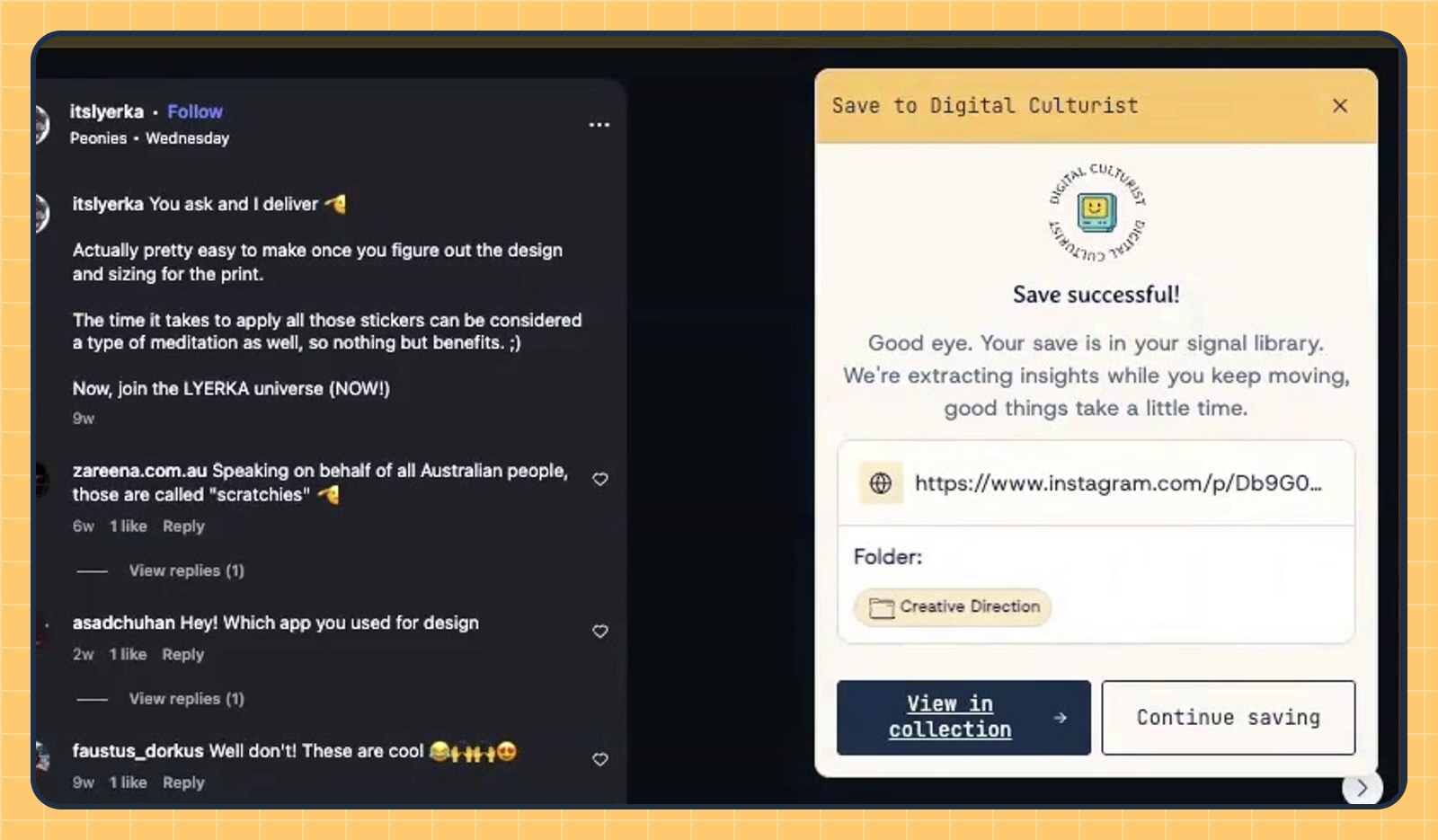
Click Create save. When you see Save successful!, the post is in your signal library. From there, click View in collection → to see it, or Continue saving to get back to scrolling.
What happens after you save? The 4C Framework
After you click Create save, Digital Culturist analyzes the post with its 4C Framework while you keep browsing. The 4C Framework has four parts, and each one appears as its own section on the save's page in your signal library:
Content analysis (C1): what the post says, how it is built and the tactics it uses.
Comment analysis (C2): how the audience responds in the comments, including sentiment and recurring reactions.
Corner of the Internet (C3): the communities and audiences the post speaks to, and where it lives online.
Culturist POV (C4): the larger cultural shift the post signals and what it means for brands and strategists.
The analysis runs in the background and can take a few minutes, so a new save may not show all four sections right away.
Frequently asked questions
What does the Digital Culturist Chrome extension do?
The Digital Culturist Chrome extension saves the post or article you are viewing to your Digital Culturist signal library in one click. Each save is then analyzed with the 4C Framework: content, comments, Corner of the Internet and Culturist POV.
Which sites can I save from?
You can save from Instagram, TikTok, LinkedIn, Substack, YouTube, Reddit and articles you open in Chrome. Open the page, click the Digital Culturist button and follow the same steps. Paywalled pages won't save.
Do I need to sign in every time I save?
No. You sign in once, and the Digital Culturist extension keeps you signed in for future saves.
Do I have to choose a folder?
No. Folders are optional. A save without a folder still goes to your signal library, and you can sort it later. You can also add a save to more than one folder.
Where do my saves go?
Every save goes to your Digital Culturist signal library. After a save, click View in collection → to open it.
Is there a Digital Culturist mobile app?
Yes. On your phone, tap the share button in Instagram, TikTok or LinkedIn and choose Digital Culturist to save a post the same way.
Watch: How to save with Digital Culturist
Stop letting your saves collect dust. Add Digital Culturist to Chrome and turn your next bookmark into signal.